Updated 2 August 2026tutorial
GoHighLevel Inbound Email Not Syncing? The Real Fix
GoHighLevel's two-way sync misses cold inbound email from new contacts. Here is exactly why, what actually fixes it, and who the fix will not suit.
 Ashley Kemp11 min read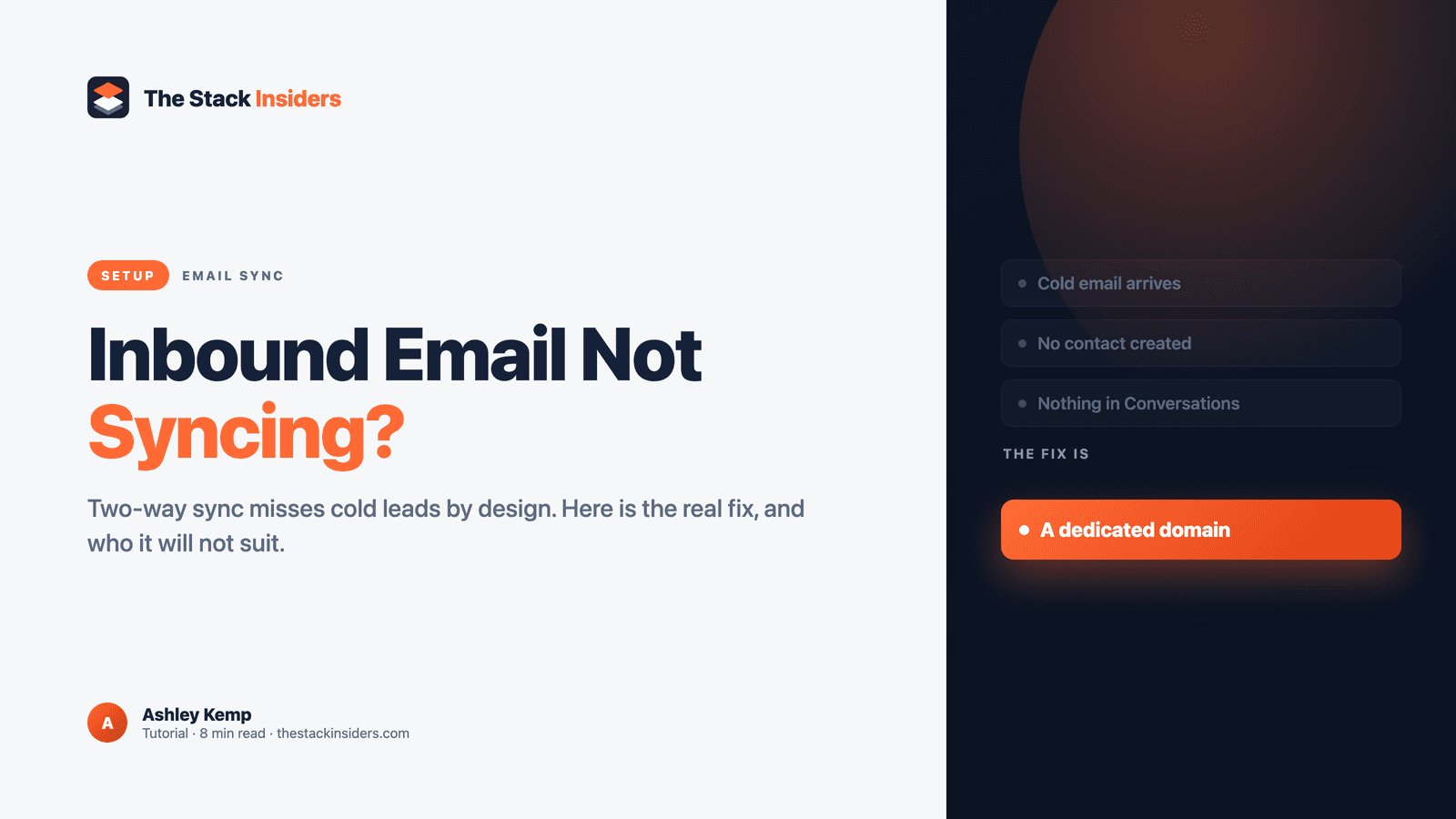
GoHighLevel's two-way sync (Gmail or Outlook) only captures email from contacts who already exist in the CRM. A cold email from a brand-new prospect, someone you have never emailed first, will not create a contact or appear in Conversations through two-way sync alone. The fix is a dedicated LC Email or Mailgun sending domain paired with the Inbound Email workflow trigger, which HighLevel built specifically to catch first-contact emails that two-way sync misses.
A lead emails your business directly. Nothing happens in GoHighLevel. No new contact, no conversation thread, nothing in the pipeline. Meanwhile replies to emails you sent from inside GoHighLevel show up perfectly fine. That inconsistency is not a bug you are hitting by accident. It is how two-way sync is built, and it catches agencies who set it up expecting a full shared inbox.
This matters more than a single missed email. An agency running client sub-accounts usually wires GoHighLevel's automations to fire the moment a new contact is created: a welcome sequence, a lead-scoring tag, a notification to the account owner. If the contact never gets created because the first email was cold, none of that automation ever runs. The lead sits in an inbox nobody is watching through the CRM, and the agency finds out only when the prospect follows up somewhere else, or does not follow up at all.
Why does GoHighLevel miss cold inbound email?
Two-way sync for Gmail and Outlook is a personal inbox connection, not a full mailbox poll. HighLevel's own documentation for the Inbound Email workflow trigger states it plainly: "Two-way sync (Gmail/Outlook), shared domains and other SMTP setups do not support cold inbound email capture and will only capture emails from existing contacts" (help.gohighlevel.com, modified 27 May 2026).
In practice, two-way sync matches an incoming email against a contact record that already exists. If the sender is not a known contact, matched by email address, the message has nothing to attach to and does not create one. A reply to something GoHighLevel sent works because the thread already has a contact behind it. A cold email from someone GoHighLevel has never seen does not.
This is not new, and it is not obscure among the people who have hit it. A feature request asking HighLevel to auto-create a contact from a first inbound email has sat on the official ideas board since 2 October 2023, has 69 votes, and has absorbed several merged duplicate requests as recently as April 2026, with no official HighLevel response or status shown as of this writing (ideas.gohighlevel.com, retrieved 2 August 2026).
Does the BCC workaround actually fix it?
No, and it is worth being precise about why, because "BCC it" is the advice that circulates in GoHighLevel communities and it solves a different problem.
GoHighLevel's BCC setting, under Settings > Email Services > Reply & Forward Settings, gives you a blind copy of email your team sends: one-on-one emails, workflow emails, and billing emails. HighLevel's own documentation is explicit that this "does not apply to bulk or campaign emails," and it only works with Mailgun or LC Email as the sending provider, not custom SMTP (help.gohighlevel.com, "Email Services Configuration"). It is an outbound feature. It BCCs a copy of what you sent. It does nothing for an email that arrives at your inbox first.
There is a real BCC-based workaround, but it runs the other direction: when you email a new contact first from a two-way synced inbox and include HighLevel's Auto BCC address, GoHighLevel creates the contact and syncs the thread. Gmail specifically has an "Auto BCC Sync" toggle under Settings > My Profile that does this automatically on every outbound send. That is useful for turning your own outreach into CRM contacts without manual entry. It does not help when the lead emails you first, which is the actual complaint behind most "inbound email not syncing" searches.
What actually captures cold inbound email?
A dedicated sending domain paired with the Inbound Email workflow trigger, both from HighLevel, both built for exactly this gap.
The Inbound Email trigger is different from the Customer Replied trigger most workflows already use. HighLevel's documentation says it is "designed to capture all inbound emails, including cold emails from brand-new senders who are not yet in your CRM," and that it fires for three cases: cold emails from unknown senders, warm emails from known contacts, and replies (help.gohighlevel.com, modified 27 May 2026). It can be filtered by mailbox, sender, CC, subject, body and attachments, so a workflow can route a first inbound email straight into contact creation, tagging, and pipeline placement.
The catch is what it requires to actually see the email. Two-way sync will not feed it. You need a dedicated LC Email or Mailgun sending domain, meaning you point your own domain's email infrastructure at HighLevel rather than connecting your existing Gmail or Outlook inbox by OAuth. Setup means adding two TXT records, two MX records and one CNAME record to your domain's DNS (help.gohighlevel.com, "Dedicated Email Sending Domains Overview & Setup"). Once that domain is live, the Inbound Email trigger can see everything that lands on it, known contact or not.
Which plan do you need?
A dedicated sending domain requires the Unlimited plan at $297/month or Agency Pro at $497/month. It is not available on the $97/month Starter plan, and there is no workaround on that plan. See our GoHighLevel pricing breakdown for the full plan comparison if you are deciding whether to upgrade for this alone.
Who this fix will not suit
Be clear about the tradeoff before you commit a domain to it.
Routing your business email through a dedicated LC Email or Mailgun domain is an infrastructure decision, not a toggle. Every email that domain handles now goes through GoHighLevel's sending and receiving path. If your team's inbox handles a lot of correspondence that has nothing to do with leads, internal threads, vendor mail, personal correspondence mixed into a shared address, moving that whole domain into GoHighLevel is more disruption than most agencies want for one workflow trigger. A cleaner pattern many agencies use is a dedicated address just for inbound leads, leads@yourdomain.com for example, routed through the dedicated domain, left separate from the general business inbox that stays on two-way sync.
It also will not help at all if your business runs on an email provider other than Gmail or Outlook for the two-way sync side. HighLevel's two-way sync supports only those two. A request to extend it to other providers has sat on the ideas board since 24 May 2023 with 313 votes, the highest vote count of any request cited in this piece, and no official response as of this writing (ideas.gohighlevel.com, retrieved 2 August 2026). If your team is on a different provider entirely, the dedicated-domain route above is the only path to capturing cold inbound email at all, not an alternative to a working two-way sync.
And it will not suit an agency below the $297/month Unlimited plan that is not ready to upgrade for this specific reason. If cold inbound email is a small part of how leads arrive, most coming through a web form or a paid-ad landing page that already writes straight into the CRM, the call is to leave two-way sync as it is and accept that a stray cold email needs a human to notice and add the contact manually. The fix in this guide is for an agency where cold inbound email is a real, repeated channel, not an occasional one.
FREE FOR 30 DAYS
Get your first month of GoHighLevel free
- Every feature, on any plan
- A full month, worth up to $497
- Cancel before day 30, pay nothing
Card required. Nothing charged for 30 days.
Join 2.2 million businesses already running on GoHighLevel
How do you set up the Inbound Email trigger for cold leads?
- Confirm your plan. Unlimited ($297/month) or Agency Pro ($497/month) is required for a dedicated sending domain.
- Set up the dedicated domain. Under Settings > Email Services, add a dedicated LC Email or Mailgun sending domain for your own domain, then add the DNS records HighLevel provides: two TXT, two MX, one CNAME.
- Decide the address. Point either your whole business domain or a dedicated leads address at it, based on how much non-lead correspondence that inbox currently carries.
- Build the workflow. Create a new workflow, add the Inbound Email trigger (not Customer Replied), and filter it to the mailbox you just set up.
- Add the actions. Create or update the contact, apply a tag such as "cold inbound," and route it into the pipeline stage or notification your team needs.
- Test it for real. Send a test email from an address that has never contacted that mailbox before. If a new contact appears with the thread attached, it is working.
For the broader picture of GoHighLevel's automation triggers and how they chain together, see our GoHighLevel automation workflows guide. If the problem you are actually hitting is emails not being delivered at all rather than not syncing once delivered, that is a different issue, DNS authentication rather than CRM matching, covered in our GoHighLevel email deliverability guide. For the other seven most common GoHighLevel problems, our GoHighLevel not working guide covers the rest.
Frequently Asked Questions
Why does GoHighLevel not show emails from new leads?
Does BCC fix inbound email not syncing in GoHighLevel?
What actually captures cold inbound email in GoHighLevel?
Do I need a specific GoHighLevel plan for this?
Does two-way sync work with email providers other than Gmail and Outlook?
Will routing my domain through GoHighLevel affect my regular business email?
DO THIS NEXT, FREE FOR 30 DAYS
The quickest way to know is to try it on real work.
- STEP 1Claim your free month
- STEP 2Rebuild one thing from this guide
- STEP 3Decide before day 30
Free for 30 days from the day you start. Card required.
Featured in Forbes and Business Insider.
Ashley Kemp is a digital entrepreneur and perpetual traveller. Switched from ClickFunnels to GoHighLevel years ago and never looked back. Writing about what actually works.
Was this article helpful?