How we compare: Read our methodology →
Which is better, GoHighLevel or Jobber?
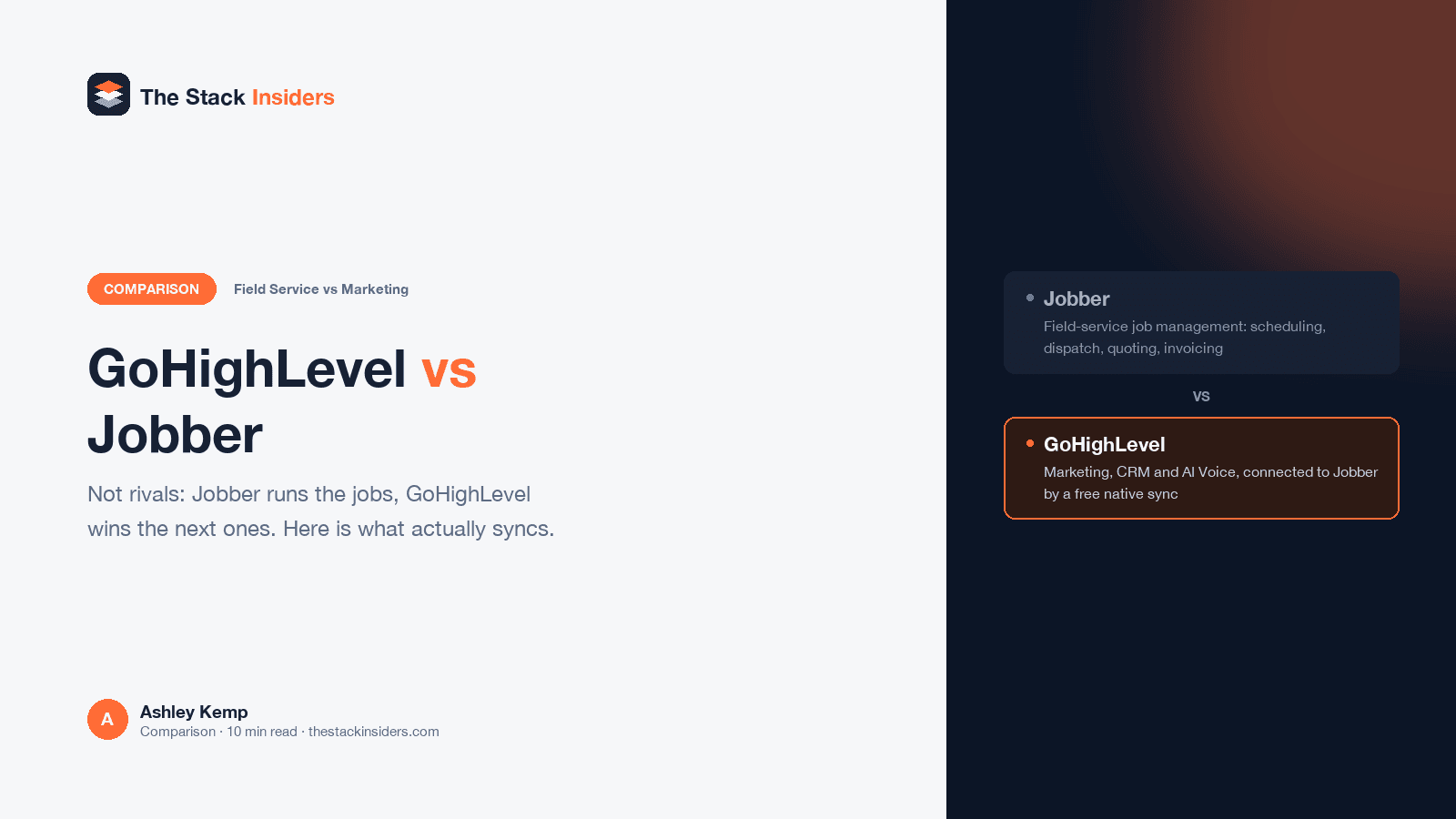
Neither replaces the other. Jobber runs the field-service side of a contracting business: scheduling, dispatching, quoting, invoicing. GoHighLevel runs the marketing side: lead capture, follow-up automation, review requests. HighLevel now offers a free native integration that syncs client and contact records between the two, so most contractors running both are not choosing one over the other, they are deciding whether to connect them.
Contractors searching "GoHighLevel vs Jobber" are usually asking the wrong question, and most of the comparison pages that rank for it do not say so directly.
Jobber is field-service software: scheduling, dispatching, GPS routing, on-site quoting, invoicing, payments, and a QuickBooks sync, built for a crew that is already doing the work. GoHighLevel is marketing and CRM software: lead capture from forms, calls and ads, follow-up automation, review requests, funnels and websites. They compete for exactly zero of the same budget line, which is why HighLevel built a native, free integration between the two rather than trying to out-feature Jobber's dispatch tools.
That integration is the actual story here, and it is worth reading past the marketing copy on it, because HighLevel's own support documentation says something narrower than HighLevel's own marketing page does.
GoHighLevel vs Jobber: Head-to-Head
| Feature | GoHighLevel | Jobber |
|---|---|---|
| Product type | Marketing automation, CRM, funnels, websites, AI Voice | Field-service job management: scheduling, dispatch, quoting, invoicing |
| Starting price | $97/month flat (Starter) | Four tiers (Core, Connect, Grow, Plus), priced by plan and user count with monthly, 1-year-commitment and prepaid-annual options |
| Pricing transparency | Fully published, flat, no user-count math | Published, but scales with plan and number of users; check getjobber.com/pricing for a current quote |
| Native integration | Free two-way client sync with Jobber, available in the App Marketplace | Same integration, configured from the Jobber side via API key |
| Job scheduling and dispatch | No dedicated dispatch tooling | Yes, core product |
| Quoting and invoicing | Basic invoicing inside Payments | Yes, purpose-built, with QuickBooks Online sync |
| Lead capture and marketing automation | Yes, core product | No |
| AI Voice inbound call handling | Yes | No |
| Review requests | Yes, native | Basic, plus HighLevel can trigger these automatically once jobs sync over |
| White-label resale | Yes, on Agency Pro | No |
Pricing: one is flat, one depends on your crew size
GoHighLevel publishes three flat tiers: Starter at $97/month, Unlimited at $297/month, and Agency Pro at $497/month, each with unlimited users. Annual billing is available at roughly two months free.
Jobber's pricing page lists four tiers, Core, Connect, Grow and Plus, but the actual number you pay depends on both the tier and how many users you add, with three separate billing structures per tier (pay monthly with no commitment, a lower rate with a 1-year commitment, or the lowest rate paying annually upfront), several with a further introductory rate for the first few months. Repeated checks of getjobber.com/pricing on the same day returned different numbers for the same tier depending on how the page's calculator was read, which is a reasonable sign that the page renders dynamically based on inputs rather than showing one fixed figure per plan. Rather than print a number that might not match what a reader sees on the page, the short answer is: Core is the cheapest tier, Plus is the most expensive, additional users cost $29/month each on every tier, and the current published number for a specific plan and crew size is only reliable read directly off Jobber's own pricing page at the time of signing up.
That is a real contrast worth naming. GoHighLevel's flat, unlimited-user pricing means an agency or contractor knows the bill in advance regardless of team size. Jobber's per-user, multi-billing-structure pricing means the bill depends on decisions made at checkout.
The integration, and where HighLevel's own pages disagree with each other
HighLevel's product page for the integration states plainly that "the connection is included at no extra charge." It is free, available inside the GoHighLevel App Marketplace, and does not require a separate contract with either company beyond what you already pay for GoHighLevel and Jobber individually.
What it actually syncs is where HighLevel's own pages stop agreeing with each other. The support documentation is specific: two-way sync of first name, last name, email, phone, address, lead source, the Jobber client URL, the Jobber-created date, and tags, matched by Jobber's own client ID to avoid duplicate records. That same support page states directly that the integration does not sync custom fields, notes, or attachments, and syncs roughly 2,500 records every five minutes.
HighLevel's marketing page for the same integration claims something broader: that "customer records, job statuses and custom fields refresh in near real time." That is a direct contradiction of the support documentation's explicit statement that custom fields do not sync. For a contractor deciding whether this integration covers a specific workflow, the support documentation is the more reliable of the two, since it describes the technical behavior rather than summarizing it for a sales page.
What both HighLevel pages agree the integration does:
- Syncs client and contact records both directions, so a client entered in either platform appears in the other
- Imports historic client data from a start date you choose, then keeps syncing new and updated clients automatically from then on
- Automatically triggers review requests through GoHighLevel when a job in Jobber is marked complete
- Routes leads captured in GoHighLevel (forms, web chat, ads) toward Jobber's scheduling
- Ships with a prebuilt snapshot: workflows, email and SMS templates, ready to activate once connected
One real limit worth knowing before relying on it: only one GoHighLevel sub-account can connect to a single Jobber account, and the sync cannot be paused without fully disconnecting the app.
We could not confirm an exact announcement date for this integration against a HighLevel-owned page; press coverage from September 2025 exists, but it is not something HighLevel's own site currently states, so it is left out here rather than asserted as fact.
Where Jobber is the better buy
You are running the crew, not just marketing to find them work. Jobber's dispatch, GPS routing, on-site quoting and invoicing are purpose-built for a field-service operation. GoHighLevel has none of this.
QuickBooks Online sync matters to how you run the business. Jobber connects directly. GoHighLevel does not offer an equivalent native accounting sync.
You want the field team's app to be the best-rated one in the category. Jobber's mobile app is built specifically for crews on job sites.
Where GoHighLevel is the better buy
You need to win the next job, not just run the current one. Lead capture, follow-up automation and AI Voice call handling are GoHighLevel's core product. Jobber has none of this natively.
Flat, predictable pricing regardless of crew size. $97 to $497 a month with unlimited users beats a per-user bill that changes as the team grows.
You want to resell the platform under your own brand. Agency Pro includes white-label resale. Jobber has no equivalent.
Who should choose which
Choose Jobber alone if you already have a steady flow of work and need to run it better: scheduling, dispatch, quoting, invoicing, and getting paid.
Choose GoHighLevel alone if your bottleneck is finding work, not running it, and your scheduling needs are simple enough to handle inside GoHighLevel's own calendar and booking tools.
Run both, connected, if you need the whole lifecycle: HighLevel's free native integration means this is a real, supported option rather than a workaround, though it is worth understanding exactly what syncs (contact fields, not custom fields, per HighLevel's own support documentation) before assuming it replaces manual double-entry entirely.
Related reading: GoHighLevel for contractors, GoHighLevel for HVAC, GoHighLevel for plumbers, GoHighLevel for roofers, and GoHighLevel pricing.
Frequently Asked Questions
Do GoHighLevel and Jobber integrate?
Is the GoHighLevel-Jobber integration free?
What does the GoHighLevel-Jobber integration actually sync?
How much does Jobber cost?
Can GoHighLevel replace Jobber for a contractor?
Can Jobber replace GoHighLevel for a contractor?
Disclosure: This page contains affiliate links. If you sign up for GoHighLevel through our link, we may earn a commission, at no extra cost to you.
DO THIS NEXT, FREE FOR 30 DAYS
The quickest way to know is to try it on real work.
- STEP 1Claim your free month
- STEP 2Rebuild one thing from this guide
- STEP 3Decide before day 30
Free for 30 days from the day you start. Card required.

Featured in Forbes and Business Insider.
Ashley Kemp is a digital entrepreneur and perpetual traveller. Switched from ClickFunnels to GoHighLevel years ago and never looked back. Writing about what actually works.
Was this article helpful?