Updated 23 October 2026guide
GoHighLevel Custom Navigation: Rebuild the GHL Sidebar
GoHighLevel custom navigation lets agencies rename, reorder, hide and template the GHL sidebar for every client. Here is what changes and how to turn it on.
 Ashley Kemp10 min read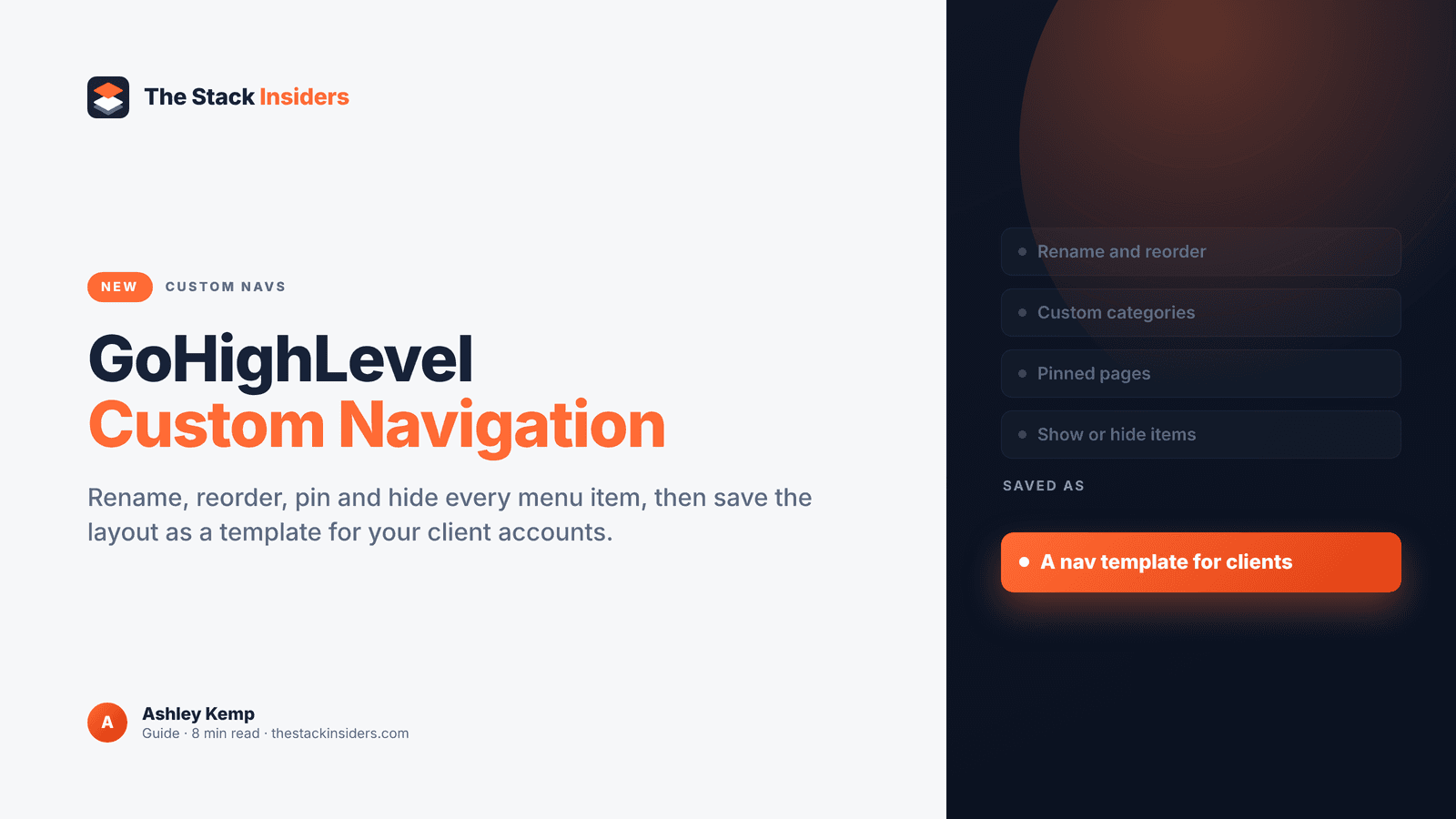
GoHighLevel custom navigation, which HighLevel calls Custom Navs, lets you edit, rename, rearrange and organise the GHL sidebar for yourself and for every client account you run. It launches around LevelUp 2026 with a refreshed navigation design, and HighLevel's affiliate team walked me through it ahead of the event.
What is GoHighLevel custom navigation?
Custom Navs is a new GoHighLevel feature that lets you rename, reorder, hide and group sidebar items, add custom labels, icons and pinned pages, and save the layout as a template you can apply across eligible sub-accounts.
This post was last updated on 23 October 2026, and I'm updating it live through LevelUp week (26 to 29 October) as HighLevel shares more.
PARTNER OFFER
Your first month of GoHighLevel is free.
Through our partner link you get 30 days on any plan, double the standard 14-day trial. Build something real before you pay a cent.
Claim my free monthCard required. Nothing charged for 30 days.
What is GHL custom nav?
Custom Nav is HighLevel's new customisable navigation. You can edit, rename, rearrange and organise the items in the GoHighLevel menu, and it arrives with a refreshed navigation experience: a modernised layout, improved page headers and easier access to Search and Ask AI.
Custom Nav hands the layout of the menu to you. You decide what's called what, where it sits, what's grouped together and what isn't shown at all.
It's also one of the headline additions to the Founder's Plan (previously SaaS Pro / Agency Pro), HighLevel's $497 plan, which you can read about in our Founder's Plan guide. For everything else launching at the conference, see our LevelUp 2026 hub.
What can you change in the GoHighLevel menu?
You can rename, reorder and reorganise navigation items, create your own categories and move products into them, pin pages, set custom labels and icons, show or hide items, and save the whole setup as a reusable template. HighLevel has also redesigned the agency dock for faster account switching.
Here's every capability HighLevel has shared.
| What you can change | What it means in practice |
|---|---|
| Customisable navigation | Edit, rename, reorder and reorganise the items in the menu |
| Custom categories | Create new groupings and move products into them |
| Pinned pages | Keep the pages you use most within easy reach |
| Custom labels and icons | Name items and set icons to match how you and your clients talk |
| Show and hide items | Hide tools an account doesn't use, show the ones it does |
| Reusable navigation templates | Save a configuration and apply it across eligible sub-accounts |
| Improved account switching | A redesigned agency dock, with frequently used sub-accounts pinned |
| Refreshed UX | Modernised layout, improved page headers, easier access to Search and Ask AI |
The template option is the one agencies will feel most. Building one good layout is useful. Building it once and applying it across eligible sub-accounts is what makes it practical at scale.
Why do agencies care about a custom GoHighLevel sidebar?
Agencies care because Custom Nav lets clients see only what they use, makes the platform feel like your own product, and keeps every account consistent through templates. HighLevel sums up the value as making HighLevel your own, finding what you need faster, a better client experience and consistency across accounts.
Clients see only what they use
A client who only needs their inbox, calendar and reviews doesn't need to scroll past funnels, courses and payments to find them. Hide what they don't use, pin what they do, and the account becomes far easier to live in. You get fewer "where do I find it" messages, and the client is more likely to log in and use what you built.
A white label feel
If you resell GoHighLevel under your own brand, the menu is part of that brand. Custom labels and icons mean the menu can use your words and your structure, which makes your software feel like a product you built for that client. Pair it with the setup in our white label guide and SaaS mode guide, and our white label pricing guide covers the money side.
Consistency through templates
Agencies that already standardise their builds with snapshots know how much time a repeatable setup saves. Navigation templates bring that same thinking to the menu. Save a configuration once and apply it across eligible sub-accounts, so every client in a niche gets the same clean layout and your team knows where everything is in every account.
Faster switching for your team
The redesigned agency dock lets you pin frequently used sub-accounts. If you or your team spend the day hopping between client accounts, that's time back on every switch.
Get your first month free through our partner linkClaim my free monthHow do you turn on custom navigation in GoHighLevel?
Custom Nav launches through HighLevel Labs, the area of Settings where HighLevel releases early-access features. It's opt-in because it changes the interface, so you choose when to switch it on in Settings > Labs, and you can turn it off in Labs to go back to the previous layout.
The opt-in approach is the right call. The other launches in HighLevel's briefing go to Labs for all customers effective LevelUp. Custom Nav changes the screen everyone works in every day, so HighLevel lets you pick your moment.
A sensible way to roll it out:
- Turn it on in your own agency account first and get used to the refreshed layout.
- Build the navigation you'd want a typical client to see.
- Save it as a template once you're happy with it.
- Apply it to eligible sub-accounts when you're ready, starting with the clients who'll benefit most.
If anything doesn't suit you, the previous layout is a switch away in Labs. I'll add the exact screens and settings here once HighLevel demos them at LevelUp.
Which GoHighLevel plan includes custom navigation?
HighLevel says advanced customisation varies by plan tier, with expanded functionality for $497 customers, which is the Founder's Plan. The exact split of features by plan will be confirmed at LevelUp, and I'll update this section with it.
So if Custom Nav matters to how you run client accounts, the Founder's Plan is where you get the most of it. The Founder's Plan also brings the HighLevel Partner Network (direct client introductions and free lead matches from small business signups), A2P Console, Workflows Map and Industries Mode, all on top of everything in Unlimited and Agency Pro. Our GoHighLevel pricing page has the current plan prices: $97 a month for Starter, $297 for Unlimited and $497 for the top tier.
How could an agency set up a client navigation?
Start from the jobs each client does every day, then pin and group those, rename items in the client's own language and hide the rest. Here are a few scenarios to show how that could look once Custom Nav is live in your account.
A local service business
Picture a plumbing company that only uses GHL for missed calls, booking and reviews. You could create a category for customer messages and bookings, pin the conversations page and the calendar at the top, rename items so they match how the office team talks, and hide funnels, courses and anything else they never open. Save that as a "home services" template and apply it to every trade client you sign.
A coach or course creator
Picture a coach who sells a programme and runs a community. Their nav could group memberships, communities and payments under a single category, with the calendar pinned for sales calls and the tools they don't touch hidden.
Your own agency team
Your own team's needs are different again. You might pin the pages your account managers check every morning, set up categories for builds and client reporting, and pin your busiest sub-accounts in the agency dock so switching between them is quick.
A client who is new to GHL
For a brand new client, less is more. Start them on a short menu with only the essentials visible, then show more items as they grow into the platform. Because hidden items can be shown again later, the nav can grow with them.
Whatever niche you serve, the pattern is the same, with one good template per niche applied across eligible sub-accounts. If you're still mapping out which automations each niche needs, our workflow recipes and agency automation playbook pair well with this.
Should you switch on GoHighLevel custom navigation?
Yes, if you run client accounts. Custom Nav gives you control over what clients see, a menu that feels like your own product and templates that keep every account consistent, and because it's opt-in through Labs you can try it and switch back at any time.
I've run my agency on GoHighLevel for years, since I moved over from ClickFunnels. Control over the menu, alongside everything else coming in the Founder's Plan, makes GHL an even easier platform to build an agency on.
If you're not on GoHighLevel yet, start a 30-day GoHighLevel trial through my link. That's double the standard 14 days, a card is required at signup and nothing is charged for the first 30 days. Our free trial guide explains how it works, and our GoHighLevel updates 2026 roundup covers everything else HighLevel has released this year.
FREE FOR 30 DAYS
Get your first month of GoHighLevel free
- Every feature, on any plan
- A full month, worth up to $497
- Cancel before day 30, pay nothing
Card required. Nothing charged for 30 days.
Join 2.2 million businesses already running on GoHighLevel
Frequently Asked Questions
What is GoHighLevel custom navigation?
How do I turn on custom nav in GHL?
Can I hide menu items from clients in GoHighLevel?
Can I apply one navigation layout to all my sub-accounts?
Which plan gets GoHighLevel custom navigation?
Can I go back to the old GoHighLevel menu?
Ashley earns a commission if you start GoHighLevel through the links on this page, at no extra cost to you.
DO THIS NEXT, FREE FOR 30 DAYS
The quickest way to know is to try it on real work.
- STEP 1Claim your free month
- STEP 2Rebuild one thing from this guide
- STEP 3Decide before day 30
Free for 30 days from the day you start. Card required.
Featured in Forbes and Business Insider.
Ashley Kemp is a digital entrepreneur and perpetual traveller. Switched from ClickFunnels to GoHighLevel years ago and never looked back. Writing about what actually works.
Was this article helpful?